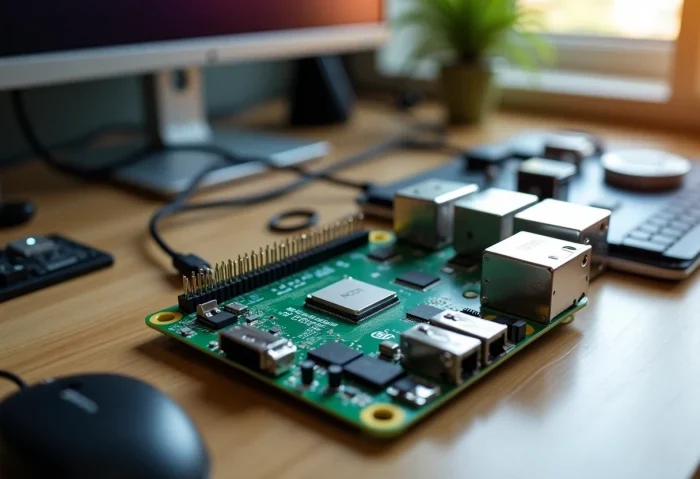
The Raspberry Pi, this inexpensive mini-computer, has captivated both tech enthusiasts and professionals. With its multiple possibilities, it becomes an essential tool for DIY projects. Adding extension modules can transform this simple board into a true digital Swiss Army knife.
To optimize the use of your Raspberry Pi, explore modules like cameras, temperature sensors, or touch screens. These additional components allow for diverse applications and improved performance. Whether for home automation, surveillance, or learning projects, the possibilities are endless with the right modules.
Choosing and Installing Extension Modules for Your Raspberry Pi
To choose and install extension modules on your Raspberry Pi, start by identifying your specific needs. The different models of Raspberry Pi, such as the Raspberry Pi 3, Raspberry Pi 4, Raspberry Pi Zero, or Raspberry Pi 2, offer a variety of possibilities. Each model can use HATs (Hardware Attached on Top) to add additional functionalities.
Among the popular modules, you will find:
- DS1307 for real-time clock functionality
- DS2482-100 for 1-Wire communication
- MAX3232 for RS232 communication
- MCP3424 for analog-to-digital conversion
- MCP23017 for I/O expansion
- TXS0108E and TXS0102 for level shifting
To install a module, follow these steps:
- Turn off your Raspberry Pi and unplug it from the power source.
- Attach the module to the GPIO pins of the board.
- Ensure that the connections are properly established.
- Reconnect and power on your Raspberry Pi.
- Configure the module via the operating system, using tools like Raspi-config.
Also consider using modules like the Gertduino, which combines Arduino functionalities with the power of the Raspberry Pi, offering increased flexibility for complex projects.
With these modules, your Raspberry Pi can transform into a weather station, a web server, a media center, and much more. Compatibility with Broadcom BCM2835, BCM2836, and BCM2837 processors ensures optimal performance. 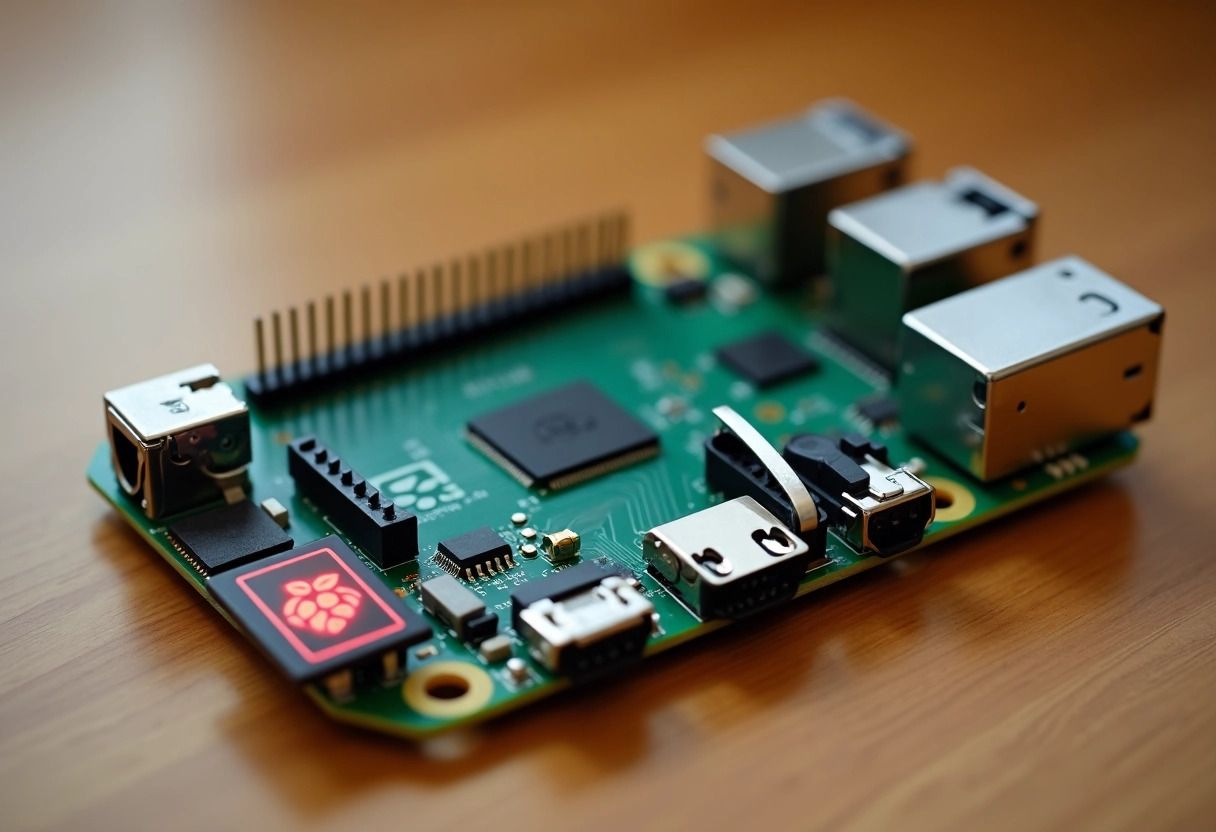
Optimizing Performance with Extension Modules
To optimize the performance of your Raspberry Pi with extension modules, several strategies can be adopted. Using ZRAM improves memory management, while tools like sysbench and vcgencmd will help you monitor and adjust system performance.
Among the recommended modules, you will find:
- hdparm to optimize I/O performance
- systemctl to disable unnecessary services
- Raspi-config to overclock your Raspberry Pi
By using overclocking, boost the capabilities of your Raspberry Pi. Configure this via Raspi-config or specialized tools like Pi Filler and Raspberry Pi Overclock. The ARM Cortex-A53 processors of the Raspberry Pi 3 allow for higher frequencies, thus increasing overall performance.
For those looking to turn their Raspberry Pi into a media center, Kodi is an ideal solution. To create a web server, technologies like Apache, PHP, and MySQL are essential. Leverage real-time weather data using services from Weather Underground.
For users needing a lightweight desktop environment, interfaces like LXDE and XFCE are perfectly suited. These environments provide a smooth experience without overloading system resources. The Raspberry Pi OS, based on Debian 10, includes the Pixel desktop, offering a user-friendly and efficient interface.
Use tools like SSH and VNC to access your Raspberry Pi remotely. Putty is also a reliable option for SSH connections. For efficient web browsing, Chromium is recommended. For specific tasks like window management or word processing, consider software like OpenBox and LibreOffice Writer.